

Manage claims with Online Portal
It’s quick and easy to manage your credit protection claims with the Online Portal – submit, track, and respond to claim correspondence, wherever you are.
It’s quick and easy to manage your credit protection claims with the Online Portal – submit, track, and respond to claim correspondence, wherever you are.
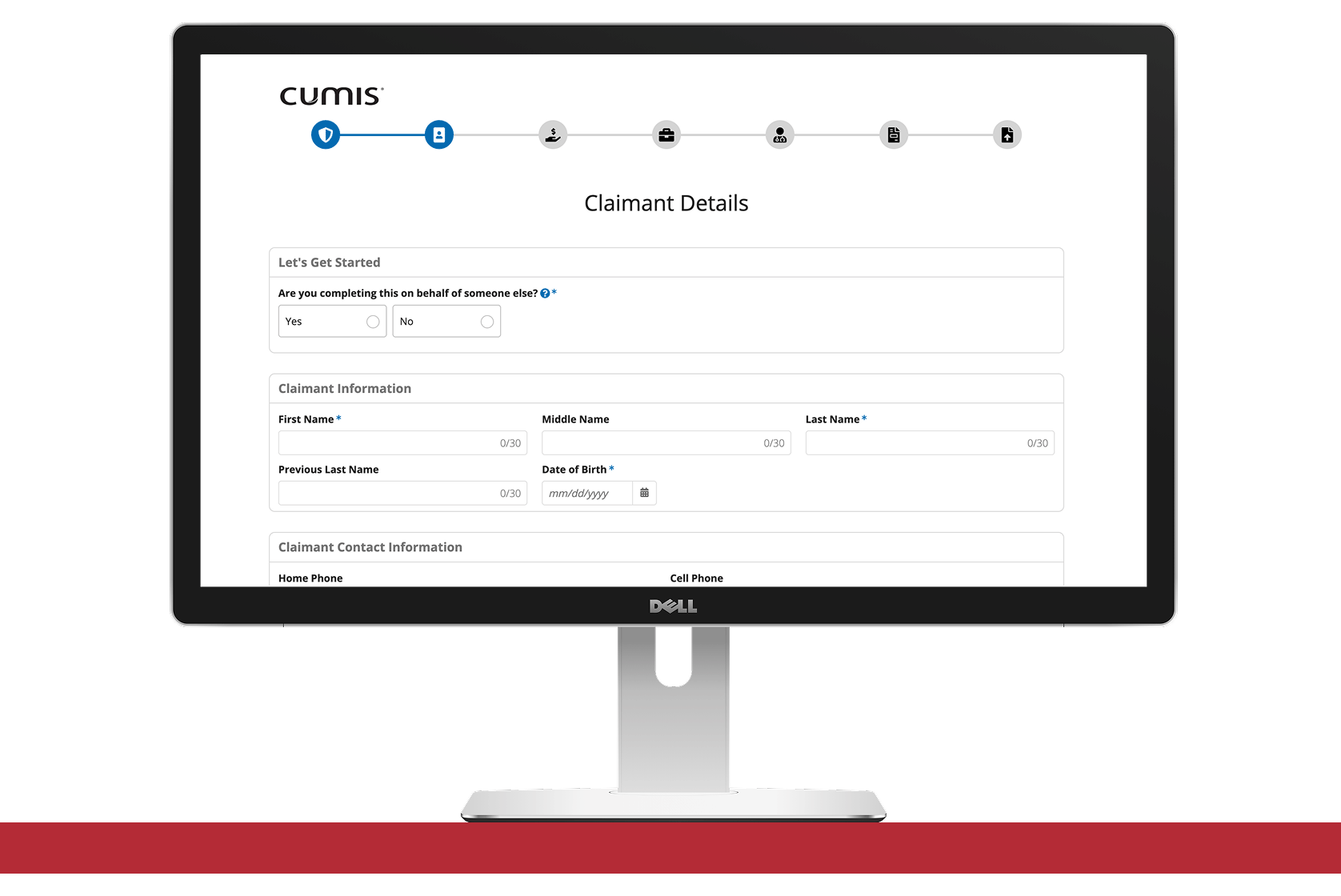
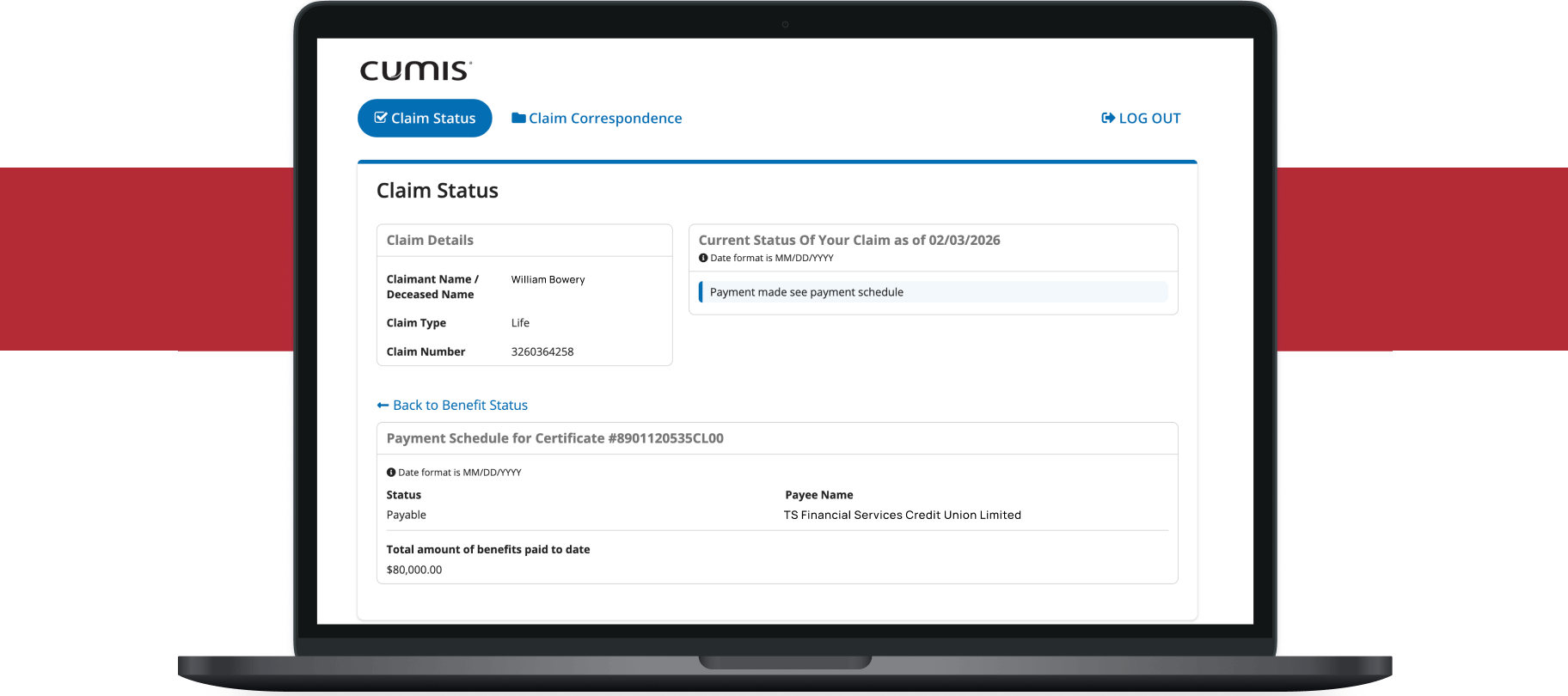
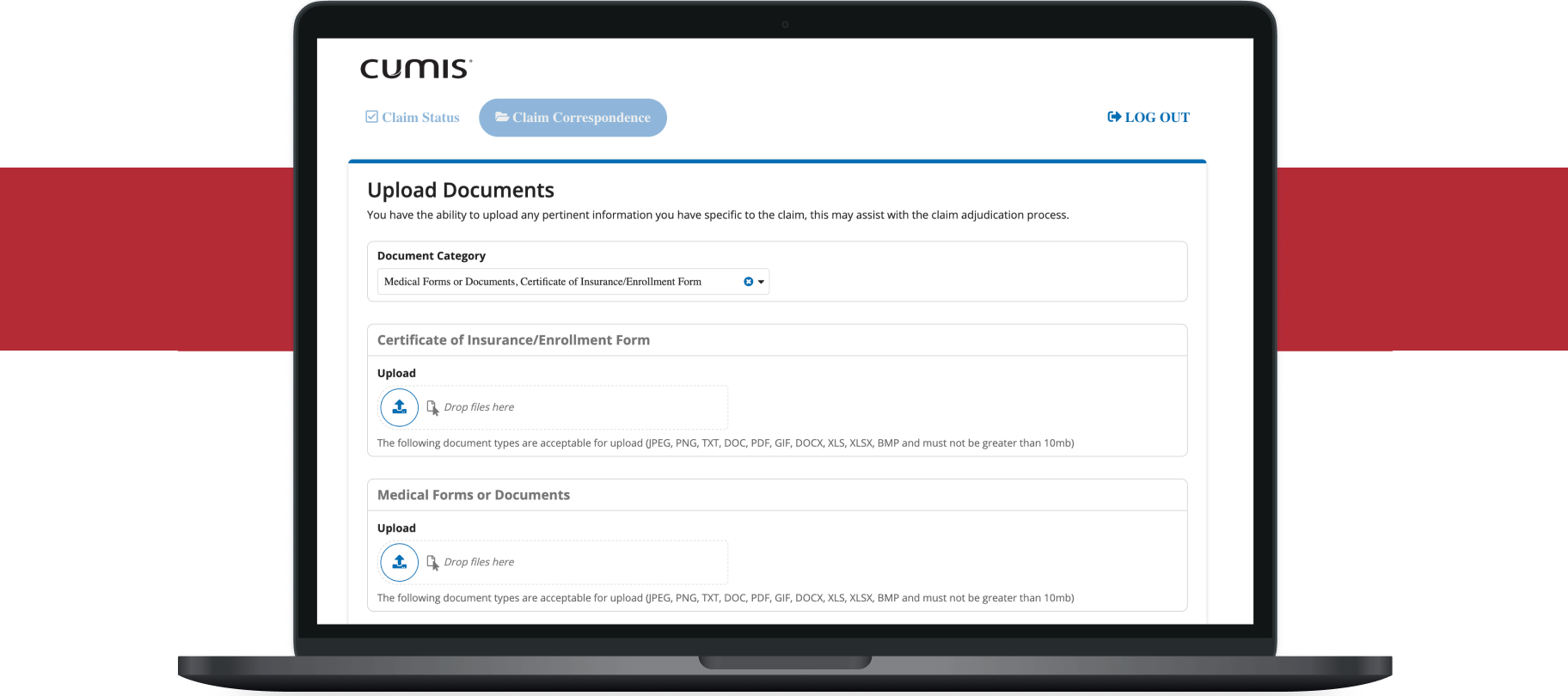
When entering the Online Portal, you can use your claim number to view a current claim’s details, including any documents related to that claim.
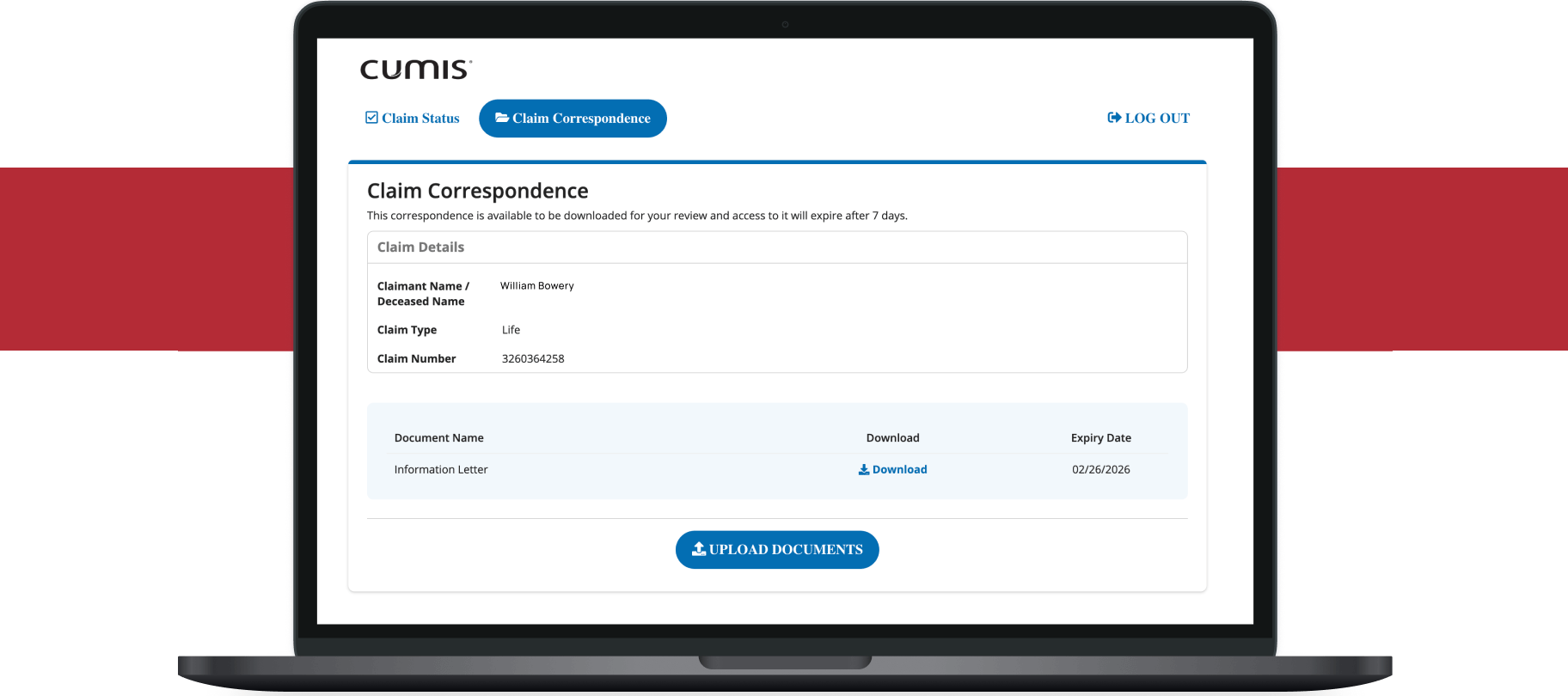
Once you have submitted your claim and have entered an existing claim number, select the “Claim Correspondence” tab from the top of the screen to view any correspondence related to your claim.
You can submit a claim on someone else’s behalf — just be sure to have the claimant’s correct personal details when submitting a claim. To track a claim, you’ll need to provide signed authorization allowing you to view the claim. For tracking a life claim, you’ll need to provide confirmation that you are the executor of the estate.
A claim correspondence that has been sent to you will be available for 7 days. If you need to access a correspondence after 7 days, contact Client Services at 1-800-263-9120.
If the lending institute submitted the claim on the portal, the representative’s email used to submit the claim will have access to re-enter the portal. For claims not submitted by the lending institute, the representative must contact us to provide their email address, and we’ll be able to grant you access to the claim through the portal.
Need support with submitting a claim or tracking a claim’s progress? Call 1-855-446-2667 or email client_service_support@cooperators.ca.